
Quick Summary
- I use Pi with Astra on High for planning and Sol on Medium for implementation.
- Pi’s minimal, open-source setup lets me install only what I need and change it myself.
- My workflow skills take work from an agreed idea through GitHub specifications and tickets to implementation.
- Extensions provide subagents, background tasks, a clearer interface, and pruning of older tool output.
- I use Ollama for local model consultations and Nimble integrations, and still test changes myself before release.
AI-generated summary based on the text of the article and checked by the author. Read about how BUT. Honestly uses AI.
I use Pi for AI-assisted development. It runs in my terminal, where I can ask an agent to read a project, change code, and run checks.
Around it, I’ve put together a setup that suits how I want to work: discuss what I’m trying to build, approve a plan, and let agents handle the implementation. I still test the result myself before releasing it.
This is my setup as of October 2026:
| Purpose | What I Use | What It Does in My Workflow |
|---|---|---|
| Coding environment | Pi | Where I work with coding agents |
| Planning | OpenAI Astra, High thinking effort | Work through ideas and prepare implementation plans |
| Implementation | OpenAI Sol, Medium thinking effort | Carry out the agreed work |
| Workflow | My Agent Skills collection, GitHub | Reusable agent instructions, specifications, and tickets |
| Delegation and background work | pi-subagents, pi-background-tasks | Separate agents for reviews and parallel work; tasks that run in the background |
| Interface | pi-open-tui, neutral-panels theme, pi-chat-bubbles, pi-compact-tools | Make conversations and tool output easier to follow |
| Context pruning | pi-s1-compact | Trim older tool output from the context sent to the model |
| Local models | Ollama | Run Nimble and Clef for focused questions, with occasional use of Gemma and Qwen |
| Terminal and editor | Ghostty, VS Code | Run Pi in Ghostty; open VS Code when I write code manually |
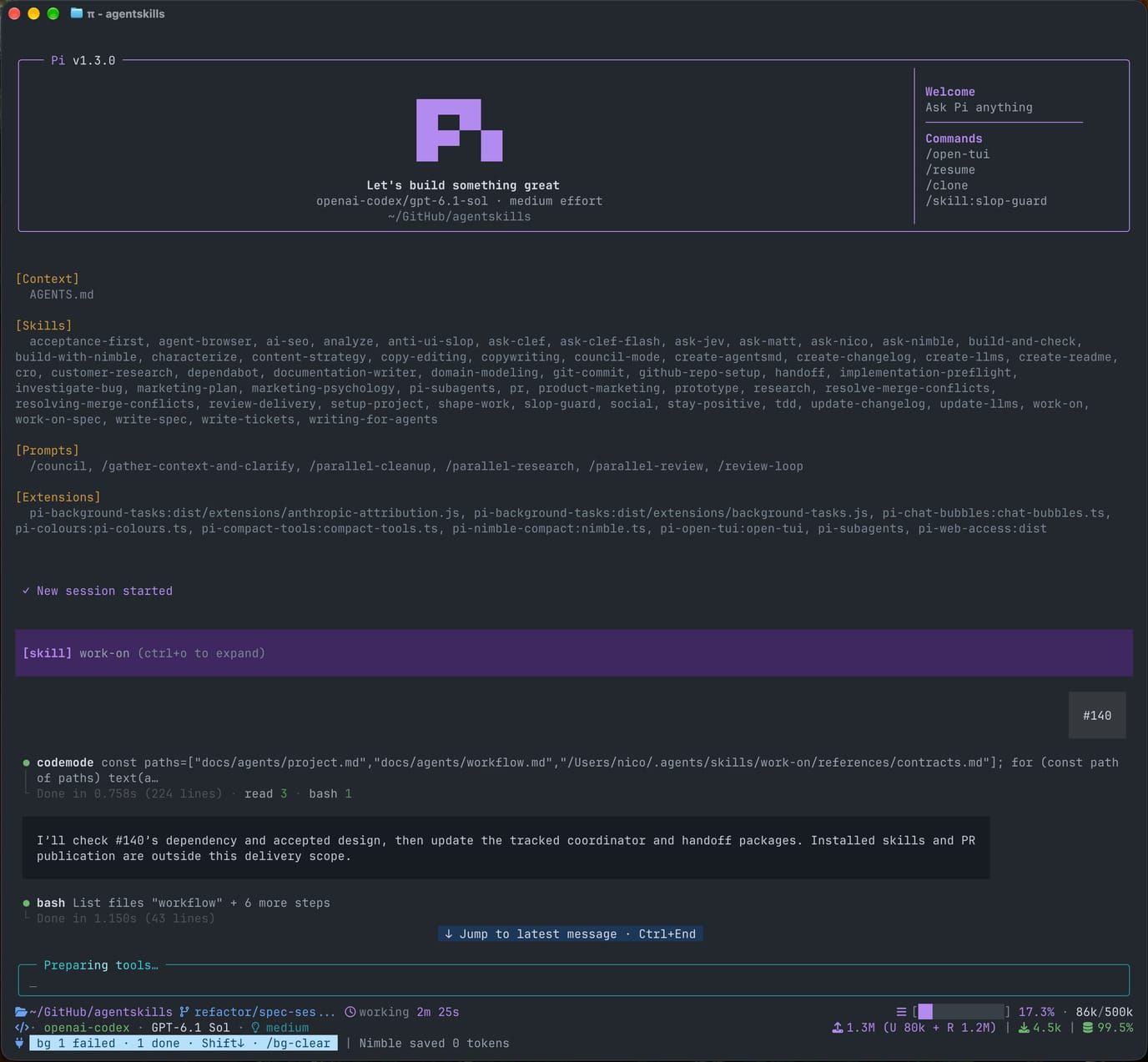
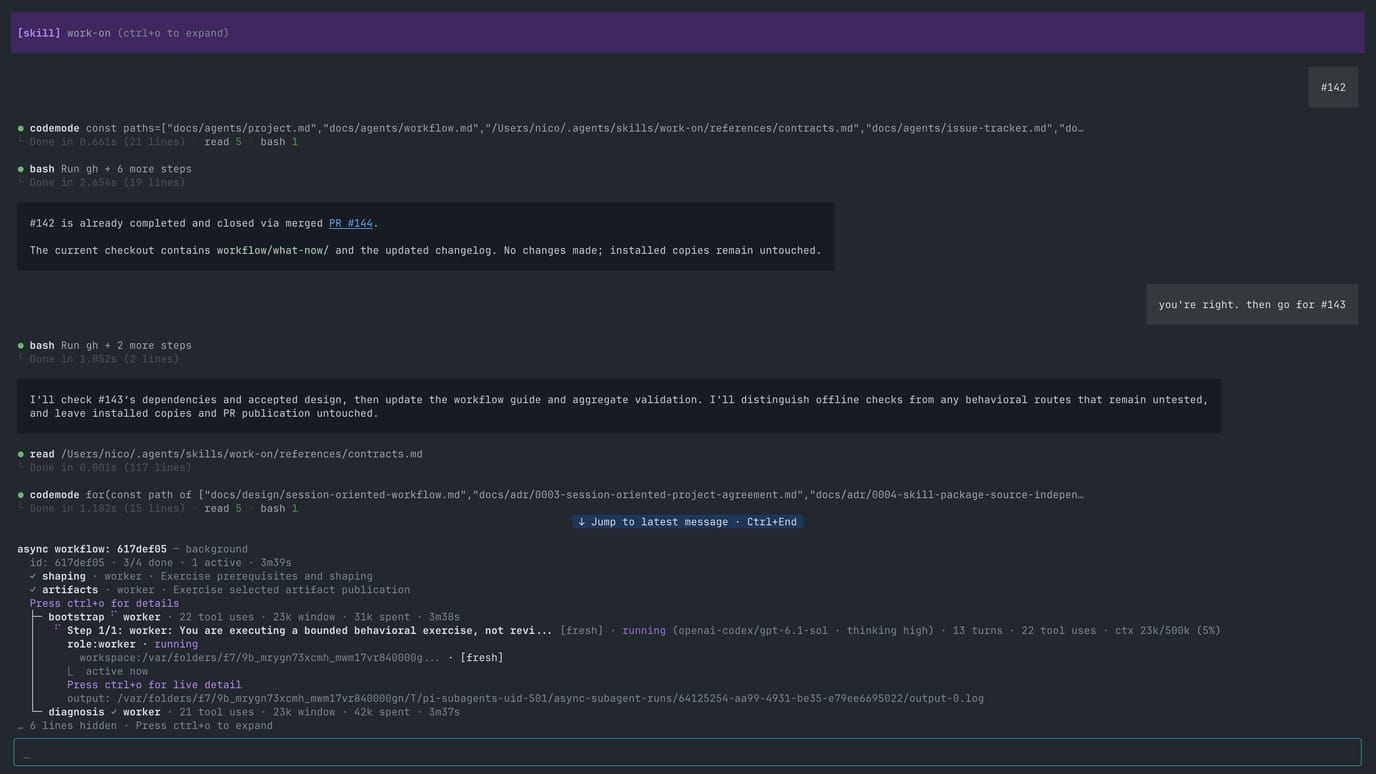
An agent working on my skills collection. The interface shows the loaded skills and extensions above the conversation.
Some of these are community packages. Others, including my workflow skills and pi-chat-bubbles, are things I built around frustrations I kept running into.
What I Changed Before Leaving Claude Code
When I started using Claude Code, I knew very little about context management. I regularly used High or higher thinking effort and kept going in the same session. When it filled up, I let the agent compact the conversation and carried on.
Matt Pocock’s AI Coding Crash Course helped me understand what I was asking the agent to work with. His “smart zone / dumb zone” framing gave me a way to think about when a session had become too crowded to keep working well.
I started looking through my setup. I had tools and MCP servers configured that I rarely used, or only needed for particular projects. I removed the unnecessary ones and began following a more structured workflow.
I noticed that sessions lasted longer. I also began ending weeks with 50–60% of my allowance remaining on my $200 Claude plan. Later, I saw similar results on my $200 OpenAI plan. Those were the allowances reported by the services, not measurements of how many tokens I had saved.
These changes started while I was still using Claude Code. Learning how to manage the session and organize the work had already helped before I tried Pi.
Why I Switched to Pi
I came across Pi and decided to try it. Its startup context was roughly 20,000–30,000 tokens smaller than the Claude Code setup I had been using. That was a comparison between my two configured environments, but the difference caught my attention.

There are many agent harnesses
Pi
but this one is yours.
I also liked how bare-bones Pi was. I could install only what I needed and leave the rest out. Being open source mattered too: I could inspect the code and extend or improve it myself. That fits with Automattic’s commitment to open source, which I share.
The move also changed which models I used. I couldn’t use my Claude subscription through Pi because Anthropic doesn’t allow subscription authentication in third-party clients. I didn’t want to pay separately for Anthropic API usage, so I went back to OpenAI. I’ve been happy with Astra and Sol.
I also moved from macOS Terminal to Ghostty, mainly because I preferred how it looked. I spend enough time in the terminal that its appearance matters to me.
The Models I Use for Planning and Development
I use OpenAI Astra with High thinking effort to plan and prepare work, then Sol with Medium thinking effort to implement it.
I give Astra the part where I’m still figuring out what I want. We discuss the goal, work through questions I may have missed, and check how the change fits the project. I want to settle those decisions before an agent starts changing code, while I can still review the proposed behavior without having to understand every implementation detail.
For substantial work, that discussion becomes a specification and smaller tickets in GitHub. By the time Sol picks up a ticket, it has an agreed outcome and a defined piece of work. It still has technical decisions to make, but it has something more useful to work from than my initial idea.
That preparation is why I’m comfortable using a lighter model at Medium for implementation. In my experience, Sol can execute the work well when the plan is solid. I don’t feel the need to use the stronger model at High for every part of the process.
The Skills Behind My Development Workflow
I started with generic skills for individual tasks, then adopted Matt Pocock’s workflow skills. They helped me bring more structure to development, especially when an idea needed more thought before it was ready to build.
Over time, though, I began dreading the long grilling sessions. I was also being asked to review complex code that I didn’t fully understand.
I wanted to direct the work as a manager, while letting the agents handle more of the technical decisions.
That led me to build my own collection of agent skills, keeping what worked for me in Matt’s approach and changing the parts that caused friction.
A skill is a set of reusable instructions the agent reads. I can open those files, understand the process they describe, and change it. Extensions add executable functionality to Pi; skills describe how I want the agent to approach the work.
I use /shape-work and similar names as shorthand here. In Pi, the command is /skill:shape-work.
From an Idea to Implementation
For a substantial change, my usual process looks like this:
- Discuss the idea with
/shape-work. We explore the goal, questions I’ve missed, and possible conflicts with decisions already recorded in the project. - Approve what we intend to build. I review the proposed behavior and scope before moving into implementation.
- Write the specification with
/write-spec. This records the agreed requirements and how we’ll know the work meets them. - Break it into tickets with
/write-tickets. The specification and tickets live in GitHub, where another agent or a fresh session can pick them up. - Start implementation with
/work-onor/work-on-spec. The first handles one defined change; the second coordinates work across a specification’s tickets. - Test the result myself before release.
Smaller changes don’t need the whole sequence. I can go straight to a ticket when the request is already clear.
For bugs, I use /investigate-bug to establish what is happening and why. Once there is enough evidence for a fix, the investigation can feed a ticket through /write-tickets. I then use /work-on to implement it. Asking an agent to investigate a problem doesn’t, by itself, give it permission to change the application.
I still make the decisions about what I want to build. The skills are designed to keep routine engineering choices with the agents, while bringing questions about scope and intended behavior back to me.
The Pi Extensions I Use
Subagents and Background Tasks
pi-subagents is essential to my setup. I use separate agents for reviews, parallel research, and coding work that can be split between them. Usually, the main agent decides how to delegate within the workflow I’ve authorized. I don’t assign every task to every agent myself.
pi-background-tasks is the other extension I consider essential. It lets work continue in the background while the main conversation remains available. I can ask a clarifying question without waiting for that work to finish.
I don’t usually fill the wait by starting something else with the main agent. The agents also use background tasks when consulting other models for focused questions.
Making the Interface Easier to Follow
I missed Claude Code’s clean terminal interface. Pi’s default interface frustrated me, so I changed the parts I spent the most time looking at.
I use three extensions for that:
- pi-open-tui changes the header, footer, and input area. It puts information such as the active model, Git state, and context usage around the conversation.
- pi-chat-bubbles is an extension I built to make exchanges easier to follow. My messages appear on the right and the agent’s replies on the left.
- pi-compact-tools reduces the space taken up by tool activity, so file reads and commands don’t overwhelm the conversation.
I use these with the neutral-panels color theme.
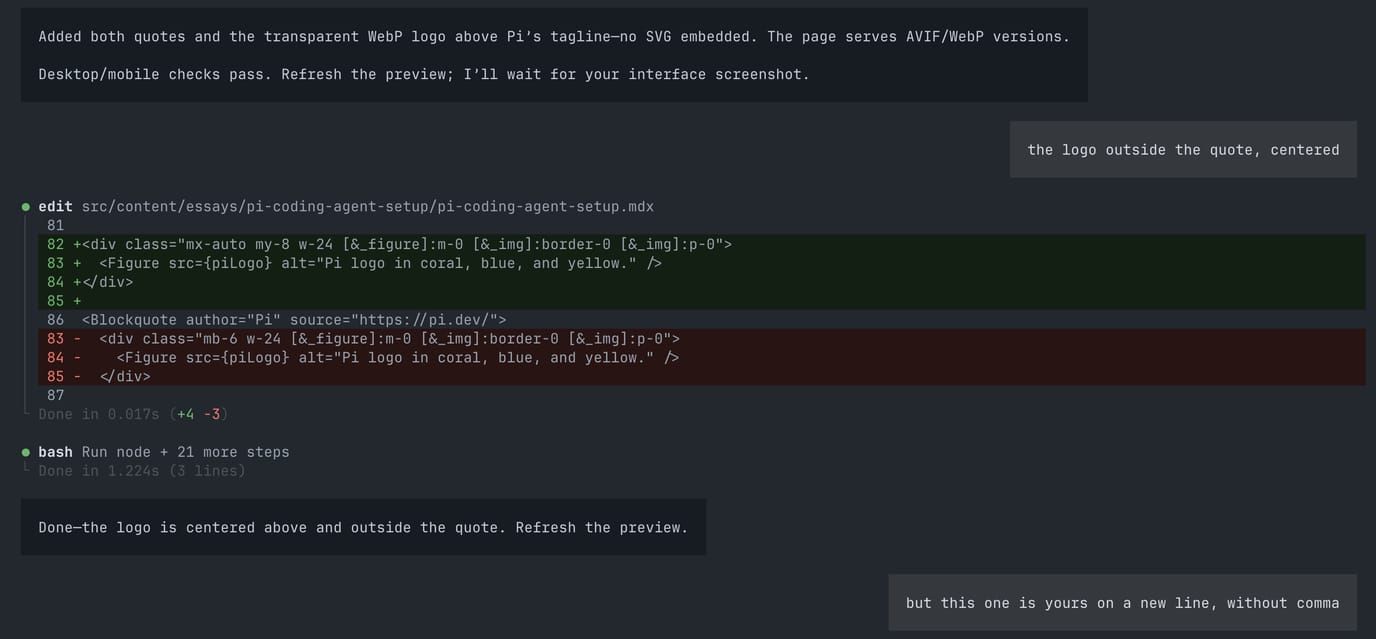
Editing this essay in Pi, with my requests on the right, the agent’s replies on the left, and tool output between them.
These changes affect what I see in the terminal. Collapsing a tool’s output on screen doesn’t remove it from the context sent to the model.
Keeping Older Tool Output out of the Way
I now use pi-s1-compact to work on the model’s context instead. It removes or shortens eligible older tool outputs from later requests, while preserving the originals for the agent to retrieve when needed.
It lets me choose a classifier independently of my coding model, using a local model through Ollama or one in Pi’s registry.
I consider this one useful rather than essential. It works quietly, and I occasionally look at the reductions it reports. Those figures estimate how much context has been removed; they aren’t a measure of subscription or billing savings.
I cover installation, classifier selection, and the pruning commands in my essay about running Nimble locally with Ollama.
Where Ollama and Local Models Fit
I use Ollama to run models locally. I sometimes use Gemma 4 and, less often, Qwen, but Nimble and Clef are the ones I reach for more regularly.
Most of that use starts with an /ask-* skill when I want another opinion on a specific question. I can ask the agent to consult Nimble or Clef locally, as alternatives to the hosted Jev model. These consultations fit alongside the planning and implementation work I do with Astra and Sol.
I also use Nimble inside software I build. My finance manager, for example, uses it to try to determine an expense’s category. That gives the model a narrow task within the application, rather than asking it to handle the whole process.
My /build-with-nimble skill helps with those integrations. It covers how to turn a task such as classification or choosing between candidates into a model decision that the application can use.
What I Still Test Myself
My practice has changed since I wrote about vibe coding. I don’t review every code change the agents make. I reviewed enough of their work to become comfortable with that, but I still test the implemented behavior myself before releasing it publicly.
I’ve had changes pass automated checks and still turn out to be wrong for what I wanted. Trying the result myself caught those cases.
The skills are another part I can review directly. I understand the instructions they contain, so I can look for pitfalls and change the process when it causes problems. Maintaining them takes time, but so far that has been manageable and worth the reduction in frustration.
I’ve seen better results across my sites and apps as I’ve developed this workflow. I’m comfortable letting the agents make more of the implementation decisions. I still want to use what they’ve built before I put it in front of someone else.